
How Can You Rank Your Restaurant Higher on Google Maps?
Learn how Google Maps ranking works for restaurants and get 8 proven steps to rank higher, get more reviews, and attract local customers in India.
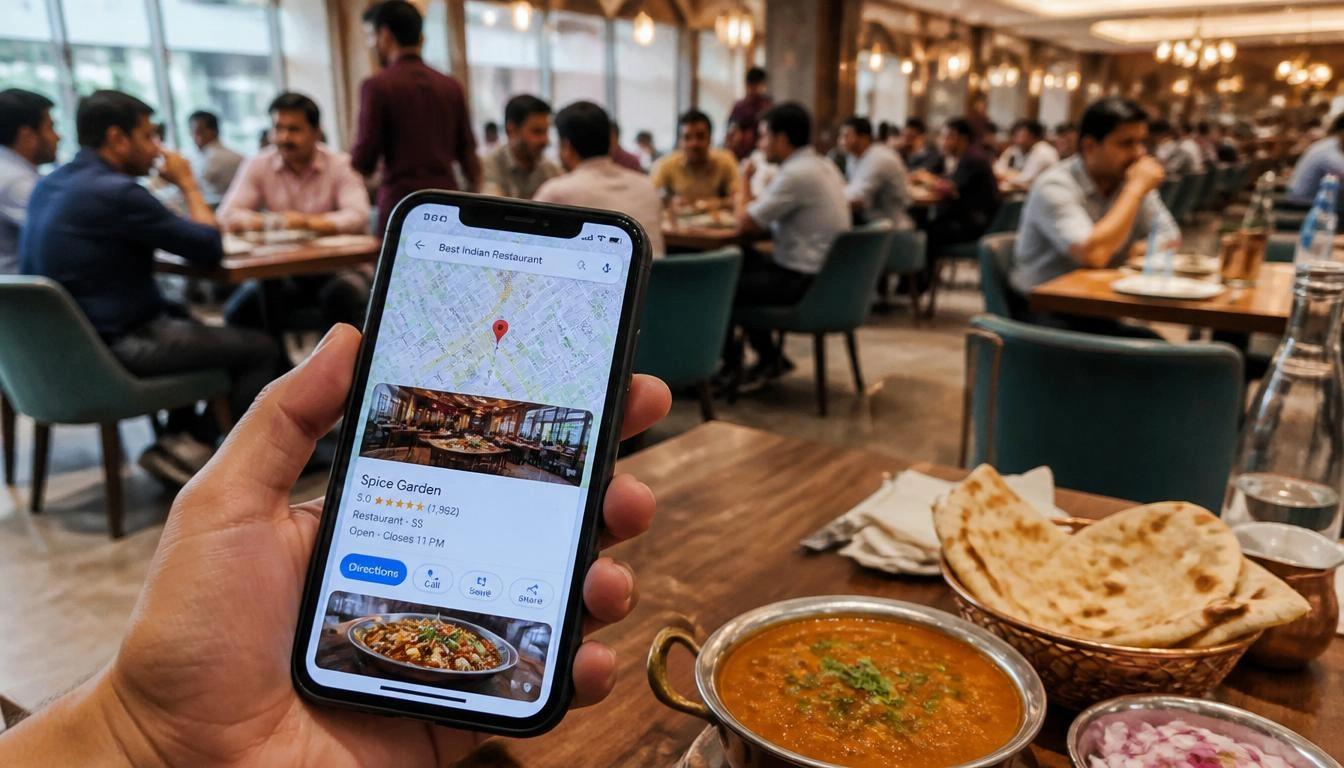
Restaurants rank higher on Google Maps by optimizing three factors: relevance, distance, and prominence. Relevance means your Google Business Profile clearly matches what customers search for. Distance means how close your restaurant is to the searcher. Prominence means how well-known and trusted your business appears online - through reviews, photos, website authority, and citations. To rank higher, complete your Google Business Profile, collect genuine reviews, upload fresh photos weekly, use local keywords, and build consistent listings across the web.
Why Google Maps Matters for Restaurants?
When someone searches "restaurant near me" or "best biryani in Pune," Google Maps shows the top three results first. That three-pack gets more clicks than any website link on the page.
The numbers prove it:
- 86% of consumers use Google Maps to find local businesses. (Source: BrightLocal Local Consumer Survey 2023)
- 76% of people who search nearby on their phone visit that business within 24 hours. (Source: Google/Ipsos)
- 28% of those searches lead to a purchase. (Source: Google)
- In India, local mobile searches grew over 40% year-on-year between 2022 and 2024. (Source: Google India Insights)
Customers decide fast. A restaurant with good photos, high ratings, and complete information wins the customer before competitors get a chance.
If your restaurant does not appear in the top three Google Maps results, you lose walk-in customers, delivery orders, and table bookings every day.
How Google Maps Ranks Restaurants
Google uses three core factors to decide which restaurants appear in the local map pack:
1. Relevance
Google checks whether your Google Business Profile matches what the user searched. If someone searches "North Indian restaurant in Chennai" and your profile lists North Indian cuisine, uses the right categories, and includes relevant keywords, Google sees you as a match.
2. Distance
Google looks at how far your restaurant is from the searcher. You cannot move your location. But you can expand your reach by targeting neighborhood-level keywords and building citations across platforms.
3. Prominence
Prominence measures how credible your restaurant looks online. Google checks:
- Number and quality of Google reviews
- Your website's domain authority
- Mentions on food blogs, news sites, and directories like Zomato, Justdial, and Yelp
- Photos, posts, and activity on your Google Business Profile
A restaurant with 300 genuine reviews and a complete profile ranks above one with 12 reviews and a half-filled profile — even if both are on the same street.
8 Steps to Rank Higher on Google Maps
Step 1: Complete Your Google Business Profile
Why it works: Google rewards complete profiles. An incomplete profile makes Google unsure about your restaurant, which pushes you lower in results.
How to implement:
- Claim your profile at business.google.com
- Fill every field: name, address, phone, website, hours, description, attributes
- Add seating type, payment options, and amenities
- Write a 200–250 word business description with your city name and cuisine type
Common mistake: Leaving the description blank or using generic text with no location or cuisine details.
Step 2: Choose the Right Business Categories
Why it works: Categories tell Google what type of restaurant you run. Wrong categories send wrong signals and drop you below better-categorized competitors.
How to implement:
- Pick a specific primary category: "South Indian Restaurant," "Cafe," "Pizza Restaurant," or "Cloud Kitchen" — not just "Restaurant"
- Add secondary categories like "Takeout Restaurant" or "Delivery Restaurant"
- Check what categories your top local competitors use
Common mistake: Choosing only "Restaurant" as your primary category. It is too broad and puts you against every food business in the area.
Step 3: Add Your Menu and Services
Why it works: Google reads your menu to match your restaurant to food-specific searches. A restaurant with "Chicken Tikka Masala" listed will show up when someone nearby searches for it.
How to implement:
- Add your full menu through the Google Business Profile menu editor
- Include dish names, descriptions, and prices
- Update the menu when items or prices change
Common mistake: Adding the menu once and never updating it. Old menus confuse customers and hurt trust.
Step 4: Upload Photos Regularly
Why it works: Restaurants with photos get 42% more direction requests and 35% more website clicks than those without. (Source: Google)
How to implement:
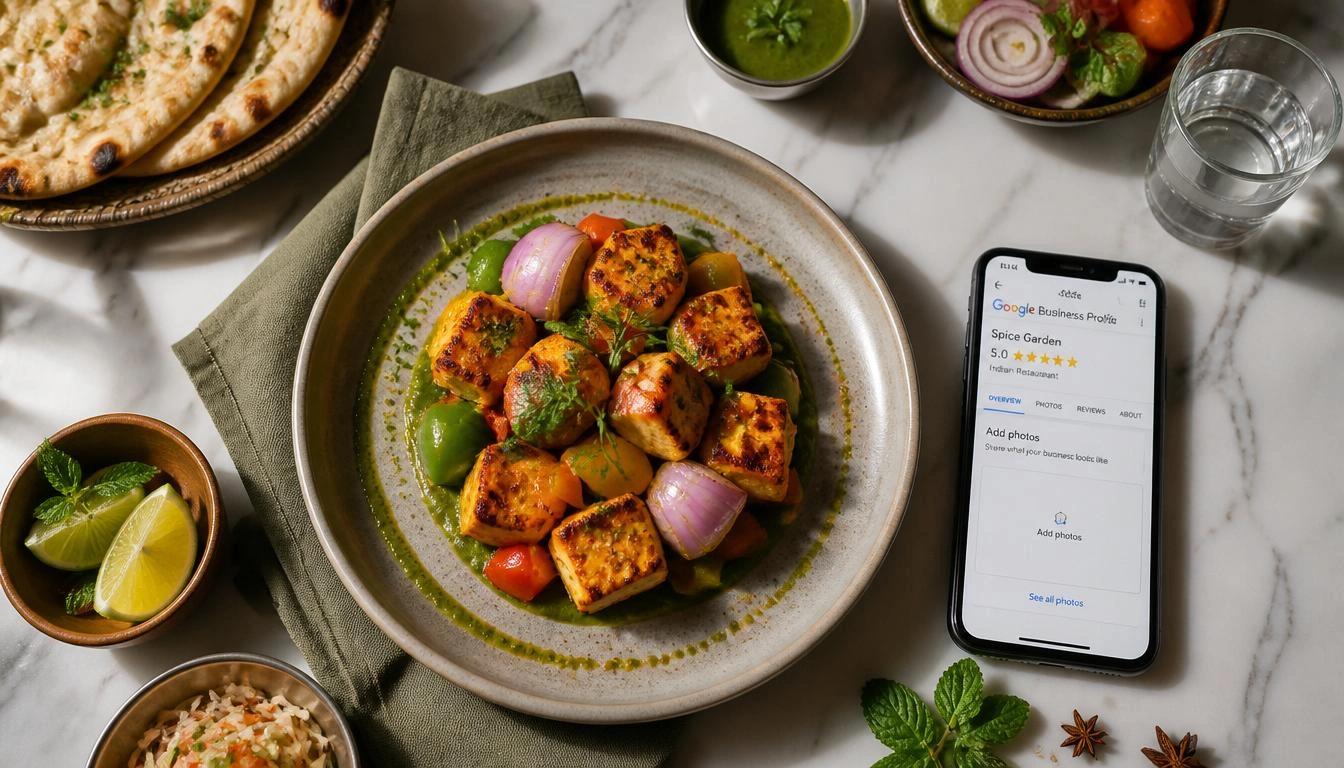
- Upload 3–5 new photos every week
- Add food photos, interior shots, exterior photos, and team photos
- Name your files before uploading (e.g., butter-chicken-restaurant-mumbai.jpg)
- Use real photos — skip stock images
Common mistake: Uploading photos once at setup and stopping. Google favors active, updated profiles.
Step 5: Get More Customer Reviews
Why it works: Reviews are the most visible trust signal on Google Maps. Restaurants with more genuine reviews consistently rank above those with fewer — at the same distance.
How to implement:
- Ask every happy customer to leave a review before they leave
- Send your Google review link on WhatsApp after each order or dine-in
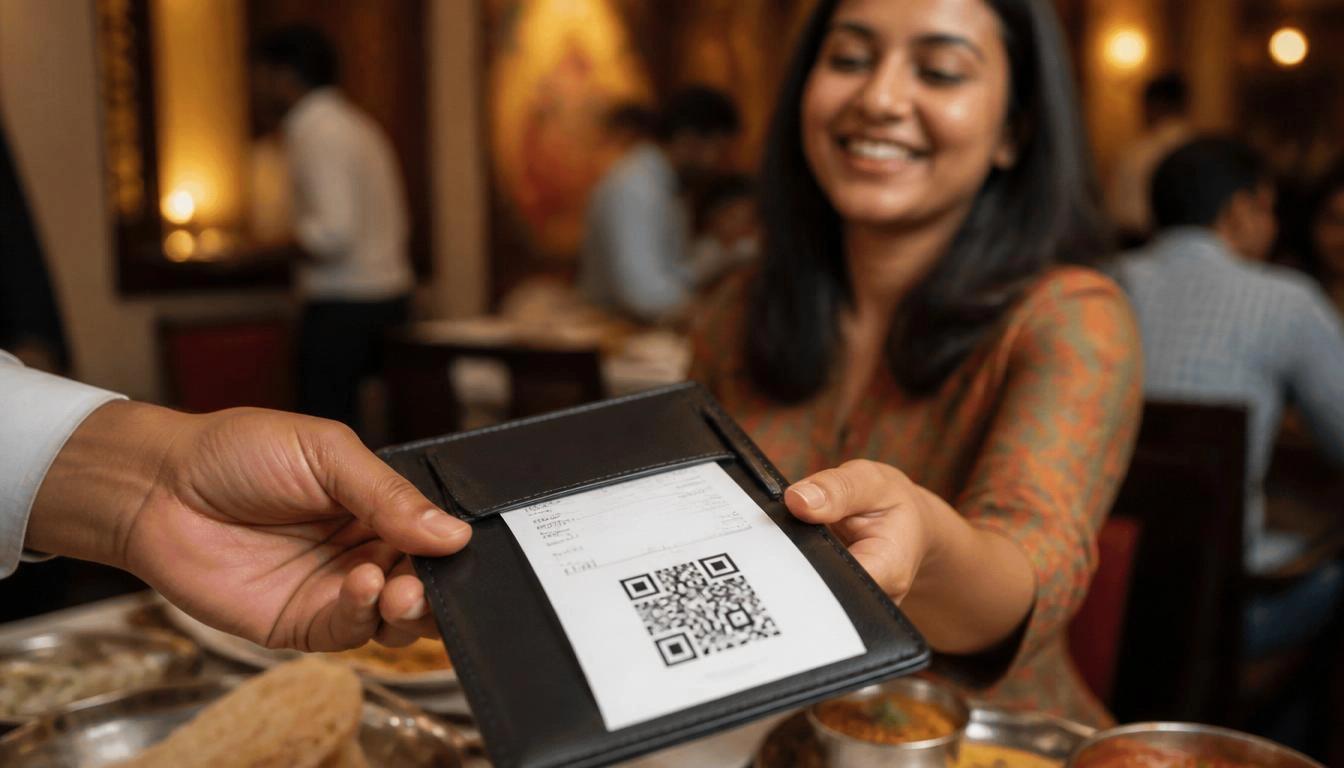
- Print a QR code on the bill that goes straight to your review page
- Train staff to mention reviews at the end of each meal
Common mistake: Only asking for reviews when you remember. Build a system so it happens after every order.
Step 6: Reply to Every Review
Why it works: Google treats review replies as engagement signals. Responding to reviews — good or bad — shows Google your business is active and customer-focused.
How to implement:
- Reply to every review within 24–48 hours
- Thank positive reviewers by name and mention something they said
- For negative reviews, acknowledge the issue, apologize where needed, and offer a fix publicly
- Never copy-paste the same reply to every review
Common mistake: Ignoring bad reviews or replying with anger. Potential customers read your responses and judge you by them.
Step 7: Add Local Keywords Naturally
Why it works: Google reads your description, posts, and review replies for location and cuisine signals. Natural keywords improve how Google matches you to local searches.
How to implement:
- Use phrases like "best café in Koramangala" or "family restaurant in Navi Mumbai" in your description
- Use neighborhood names, not just city names
- Add keywords to your Google Posts and Q&A section
- Include your location in photo captions
Common mistake: Forcing too many keywords into your profile. Google flags keyword stuffing and it looks bad to customers too.
Step 8: Build Local Citations
Why it works: Citations are mentions of your restaurant's name, address, and phone number (NAP) on other websites. Consistent citations build Google's trust in your business details.
How to implement:
- List your restaurant on Zomato, Swiggy, Justdial, Sulekha, IndiaMart, and Yelp
- Keep your name, address, and phone number exactly the same on every platform
- Get featured on local food blogs and news sites
- Submit to Google's trusted data partners
Common mistake: Using slightly different address formats across platforms. Small differences signal unreliability to Google.
Google Maps Ranking Factors Comparison Table
| Ranking Factor | Impact on Ranking | Difficulty to Implement | Time to See Results |
|---|---|---|---|
| Customer Reviews | Very High | Medium | 4-8 weeks |
| Google Business Profile Completeness | Very High | Low | 1-2 weeks |
| Business Categories | High | Low | 1-2 weeks |
| Photos (Frequency & Quality) | High | Low | 2-4 weeks |
| Local Citations (NAP Consistency) | High | Medium | 4-12 weeks |
| Website Local SEO | High | High | 8-16 weeks |
| Google Posts (Regular Activity) | Medium | Low | 2-4 weeks |
| Review Responses (Engagement) | Medium | Low | 2-4 weeks |
| Q&A Section Optimization | Medium | Low | 2-4 weeks |
| Backlinks from Local Sites | High | High | 12-24 weeks |
Mistakes That Hurt Google Maps Rankings
Avoid these eight errors. Each one actively drops your restaurant lower in results.
1. Buying or generating fake reviews Google spots fake reviews through IP patterns, account age, and review speed. Fake reviews get removed. Your profile can get suspended.
2. Keyword stuffing in your business name Adding "Best Restaurant Mumbai" to your actual business name breaks Google's guidelines. It can get your listing suspended.
3. Using wrong or too-broad categories "Restaurant" as your only category confuses Google. Specific categories like "Seafood Restaurant" or "Vegetarian Restaurant" work much better.
4. Inconsistent NAP information If your address shows as "12, MG Road" on Google and "12 MG Road, Opp. HDFC Bank" on Zomato, Google sees a conflict. That hurts your ranking.
5. Ignoring negative reviews Unaddressed bad reviews push customers away and signal low engagement to Google. Every negative review needs a calm, public reply.
6. Outdated or low-quality photos Blurry food shots or old interior photos lower your click-through rate and hurt first impressions.
7. Never posting on Google Business Profile Google Posts signal that your business is active. Restaurants that never post look less active than those that post weekly.
8. Ignoring the Q&A section Customers ask questions on your profile. Unanswered questions — or wrong answers from strangers — damage trust and put people off visiting.
How a Restaurant Can Get More Reviews
Reviews don't happen on their own. You need a system that runs after every order.
QR Code on Bills Print a QR code on every bill. Link it straight to your Google review page. When the meal is fresh in the customer's mind, they are most likely to leave a review. If your restaurant already uses a digital QR menu, the same setup can carry a review link — it fits naturally into the experience.
WhatsApp Follow-Ups For delivery orders, send a short WhatsApp message 30–60 minutes after delivery:
"Thank you for ordering from [Restaurant Name]. We'd love your feedback! Leave us a Google review here: [link]"
Keep it short. Do not message the same customer more than once per order.
Staff Training Train your front-of-house team to mention reviews at checkout. A simple line works:
"If you enjoyed your meal, a Google review would mean a lot to us."
Track which staff members bring in the most reviews and reward them.
Loyalty Rewards Offer a small thank-you — not in exchange for a positive review, which breaks Google's policy — but for any honest review. A 10% discount on the next visit, shown when the customer presents their posted review, stays within Google's rules when you word it correctly.
Why Your Website Still Matters for Google Maps
Many restaurant owners think a Google Business Profile — or a Zomato listing — is enough. It is not.
Your website sends local SEO signals to Google that your profile cannot provide by itself.
Local SEO Signals from Your Website Google checks your website against your Google Business Profile. A site that includes your city, neighborhood, cuisine type, and contact details backs up what your profile says. That raises your ranking confidence score.
Menu Pages A dedicated menu page on your website — with dish names, descriptions, and prices — gives Google content it can index. This pulls in organic traffic and builds your local search presence beyond Google Maps alone.
Location Pages If you have more than one outlet, give each branch its own page with a unique address, phone number, and local content. This helps each location rank for its own neighborhood.
A well-built restaurant website with local SEO structure can speed up your Google Maps rankings in 8–12 weeks. Restaurants that combine a strong Google Business Profile with an optimized website consistently beat competitors who only work on their profile.
If your restaurant has no website — or your current site has no local SEO — a properly built restaurant website is likely the biggest ranking opportunity you have not used yet.
30-Day Google Maps Action Plan
Week 1 — Foundation
- Claim and verify your Google Business Profile
- Fill in all profile fields: name, address, phone, hours, website, description
- Set the correct primary and secondary categories
- Upload 10–15 high-quality photos (food, interior, exterior)
- Add your full menu with dish names, descriptions, and prices
- Make sure your NAP matches on Zomato, Swiggy, and Justdial
Week 2 — Content and Signals
- Write and publish your first Google Post (a new dish, offer, or event)
- Add 5 Q&A entries for your most common customer questions
- Reply to all existing reviews — good and bad
- List your restaurant on Sulekha, IndiaMart, and Yelp with the same NAP
- Add local keywords to your website's homepage and contact page
Week 3 — Review Generation
- Create a Google review QR code and print it on all bills
- Train staff to ask for reviews at checkout
- Send WhatsApp review requests to your last 20 delivery customers
- Upload 5 new food photos
- Publish your second Google Post
Week 4 — Monitoring and Growth
- Check Google Business Profile Insights for search queries and views
- Reply to all new reviews from the month
- Find 3 local food bloggers or media contacts for outreach
- Check all citation platforms for NAP consistency
- Plan next month's Google Posts (at least 4 posts)
- Search your target keywords on Google Maps and check your position
FAQs
Need help with your digital presence?
We build websites, run SEO, and deploy AI solutions for businesses across India.